Views: 2
1. What Is a Home Elevator Control Panel?
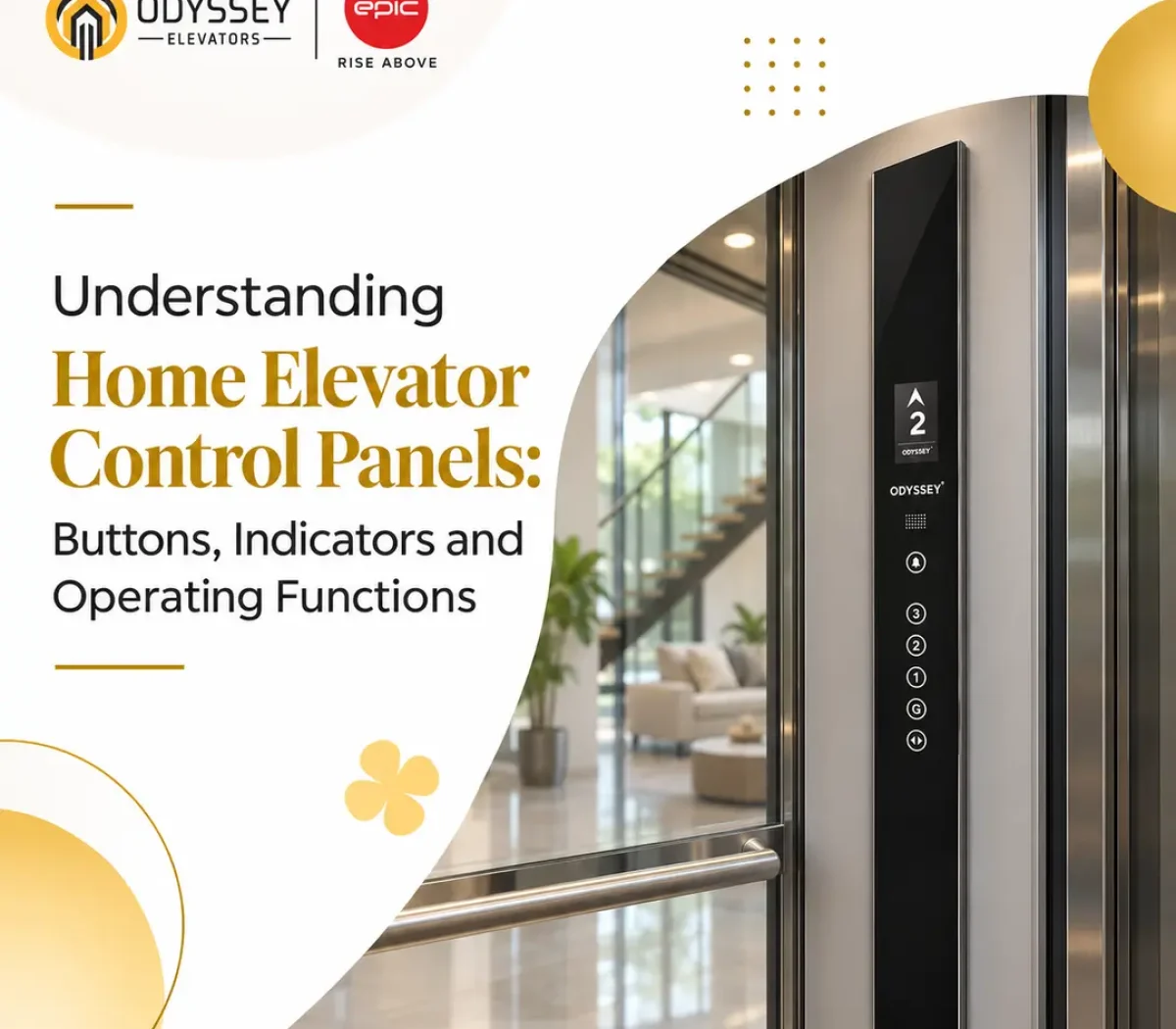
A Home Elevator Control Panel is the interface passengers use to operate the elevator. It is usually located inside the cabin, while additional calling buttons may be available near the landing doors.
Depending on the elevator model, the panel may include:
- Floor selection buttons.
- Door open and close controls.
- Alarm and emergency assistance controls.
- Floor and direction displays.
- Operating status indicators.
The arrangement should be simple to understand, clearly labelled and conveniently positioned. These details can make a difference to the everyday experience of using a residential elevator.
2. Common Home Elevator Control Panel Buttons
Home Elevator Control Panel Buttons may differ depending on the manufacturer and model. However, several commonly available controls help passengers operate the elevator.
Floor Selection Buttons
These buttons allow passengers to choose their destination. The selected floor may be highlighted using an illuminated button or a digital display.
Door Open and Close Buttons
Where provided, these controls allow passengers to operate the elevator doors. Their availability depends on the door mechanism and control system.
Alarm Button
The alarm button helps passengers alert others when assistance is required. Make sure everyone in the household understands how this facility works.
Emergency Communication
Some models include an emergency communication facility that allows passengers to contact assistance if they become stuck inside the cabin.
Stop Button
Where available, this control has a specific operating purpose. Always follow the manufacturer’s instructions and avoid using it as a regular travel control.
3. Understanding Home Elevator Indicators and Functions
Besides buttons, a Home Elevator Control Panel may include indicators that help passengers understand the elevator’s current operating status.
Common Home Elevator Indicators and Functions include:
- Floor display: Shows the current floor or selected destination.
- Direction indicator: Displays upward or downward travel, where supported.
- Door status: May indicate whether the doors are open, closed or operating.
- Overload alert: Indicates when the permitted load limit has been exceeded, if available.
- Status indicator: Provides information about the elevator’s operating condition.
The exact display and indicator functions depend on the control system fitted to the selected elevator. Ask your provider to explain the symbols and alerts before using the lift.
4. How Residential Elevator Operating Functions Work
Understanding Residential Elevator Operating Functions helps passengers use their home elevator with confidence. A typical journey follows a few simple steps:
- Call the elevator: Press the landing call button to request the cabin.
- Wait for arrival: Allow the elevator to reach your floor and open its doors.
- Enter safely: Step into the cabin after checking that the entrance is clear.
- Select your floor: Press the required destination button.
- Complete the journey: Allow the elevator to travel without interfering with its controls.
- Exit the cabin: Leave after the doors open fully.
Always follow the operating instructions supplied with your elevator. Never force the doors or interfere with the controls while the lift is moving.
5. Important Features to Look for in a Home Lift Control System
When comparing a Home Lift Control System, look beyond the number of buttons. A well-planned interface should make everyday operation straightforward for different members of the family.
Consider these useful features:
- Clear labelling: Buttons should be easy to identify and understand.
- Comfortable positioning: Controls should be placed within convenient reach.
- Readable displays: Floor numbers and status information should be easy to see.
- Emergency assistance: Check which alarm and communication facilities are included.
- Simple operation: The layout should not be confusing for first-time users.
- Suitable lighting: Panel lighting can help users identify controls in different lighting conditions, where provided.
Before selecting an elevator, ask for a demonstration of the Home Elevator Control Panel. This allows you to understand the available functions and check whether the arrangement suits your household.
6. Simple Tips for Maintaining Your Control Panel
Regular care can help keep the control panel clean and in good working condition. Follow these simple precautions:
- Press buttons gently without applying unnecessary force.
- Clean the surface using the manufacturer’s recommended method.
- Keep water and cleaning liquids away from electrical controls.
- Report damaged buttons or unusual indicator behaviour.
- Follow the recommended elevator servicing schedule.
- Make sure family members understand the basic operating instructions.
If a button or indicator stops working correctly, contact a qualified elevator service professional. Do not attempt electrical repairs yourself.
Frequently Asked Questions
1. What Is the Purpose of a Home Elevator Control Panel?
It allows passengers to select floors, operate available controls and view basic elevator status information.
2. What Buttons Are Commonly Found on a Home Elevator Control Panel?
Common controls include floor selection, door operation and alarm buttons. Additional functions depend on the elevator model.
3. What Do Home Elevator Indicators Show?
They may display the current floor, travel direction, door status and certain operating alerts.
4. Are Home Elevator Control Panels Easy to Use?
Most are designed for simple everyday operation. However, the layout and available functions vary between models.
5. How Should I Maintain My Elevator Control Panel?
Keep it clean, avoid excessive force and report unusual behaviour to a qualified service professional.
Conclusion
A Home Elevator Control Panel plays an important role in making everyday elevator use simple and convenient. From selecting floors to understanding operating indicators, its functions help passengers use the lift more confidently.
Before choosing a residential elevator, compare the control layout, display visibility, available buttons and emergency assistance facilities. A clear and easy-to-use control system can make a meaningful difference to your family’s everyday experience.
Explore Home Elevators by Odyssey
Looking for a home elevator that combines convenience, design and user-friendly operation? Odyssey Elevators offers residential elevator solutions for different home layouts and preferences.
Explore our residential elevator solutions or contact our team to discuss your requirements.
Website: Odyssey Elevators
Contact: +91 95002 88001